
Perfectly timed filters
By
Daniel de diio
|
10
minutes
Filters, views and alerts: what matters in every deal, on time
Every week your team has dozens of conversations with customers. Somewhere in there is the signal that changes a deal: a success prediction that drops, an open opportunity nobody is moving. The hard part is finding it while you can still do something about it.
That's what diio's filters are for. And now you can save them as views or turn them into alerts.
First, the filters (the real ones)
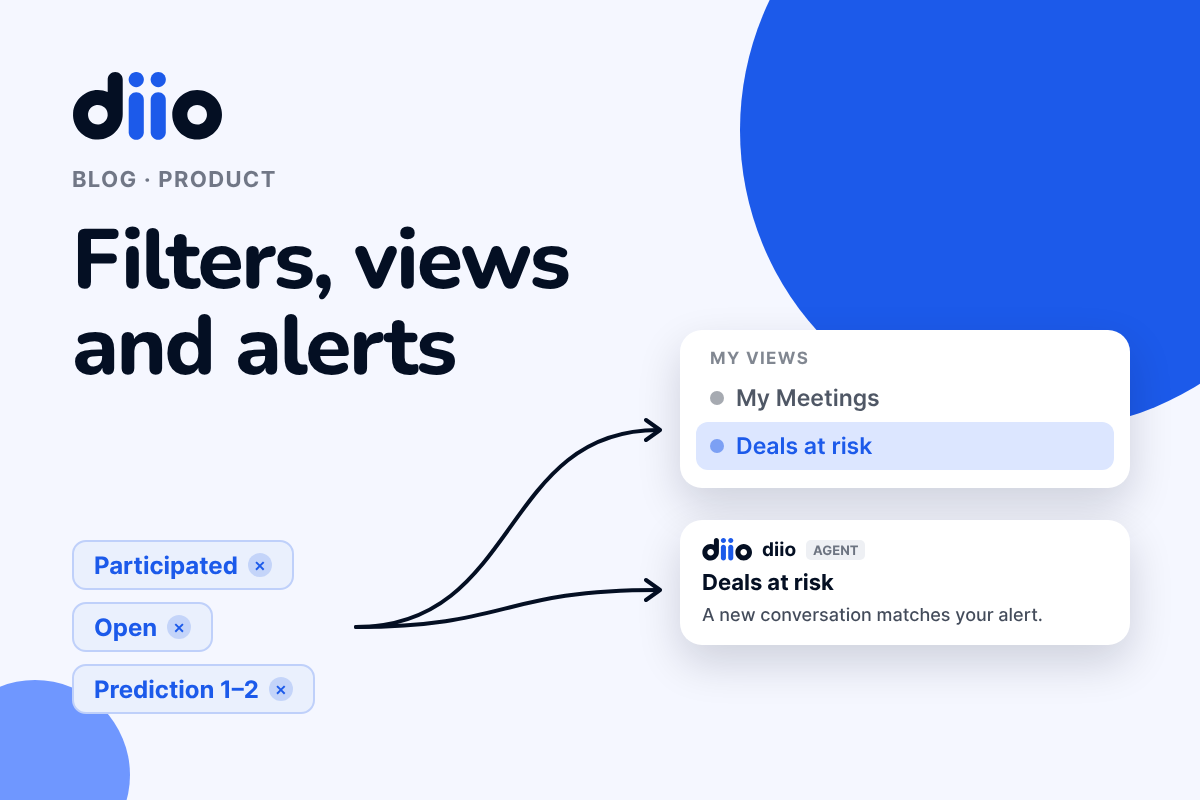
In All conversations you combine what matters to you: whether you participated, the deal stage in your CRM, the success prediction, the channel, the executive or the team. Participated + Open deal + Prediction 1 to 2 answers a concrete question: which deals need you to step in this week.
Views: so you don't rebuild it every Monday
- Apply your filters.
- Tap Save as view.
- Choose a name and an icon.
The view lands in Custom views, in your sidebar, next to the default views diio includes for you and your team. Rename them, change their icon or delete the ones you don't use.
Alerts: because you can't be in every conversation
An alert starts from the same filters, but it doesn't wait for you to show up. Tap Create alert, also from a saved view, and choose:
- Where: Slack, email or both.
- When: instantly, or in a daily or weekly summary.
- What to call it.
Every time a new conversation matches what you defined, diio lets you know. Your alerts live in My preferences.
Now what?
Go to All conversations and build the combination you check by hand today. If it can wait, save it as a view. If it can't, turn it into an alert.
If you already use diio, don’t miss the chance to play around with the filters to create views or alerts. If you don’t use it yet, try it for free.


Let them sell
diio analyzes your conversations and helps you prioritize, move quickly and make better decisions.
Try it for free